Get paid.
Full stop.
Invoxa is the calm way for freelancers to send professional invoices, track payments and keep an eye on expenses, all from your phone.
Freelancing is hard enough without the paperwork.
Most freelancers juggle chat apps, spreadsheets and memory to run the money side of their work. That is where invoices go missing and payments get forgotten.
Word files, screenshots and copy-pasted totals make you look less professional and are easy to get wrong.
Without one place to track payments, late and part-paid invoices slip through and money stays unpaid.
Receipts pile up and tax time turns into guesswork, so you never see what you actually earned.
Everything you need to invoice, collect and stay on top.
Invoxa keeps the essentials simple, so you spend minutes on admin instead of hours.
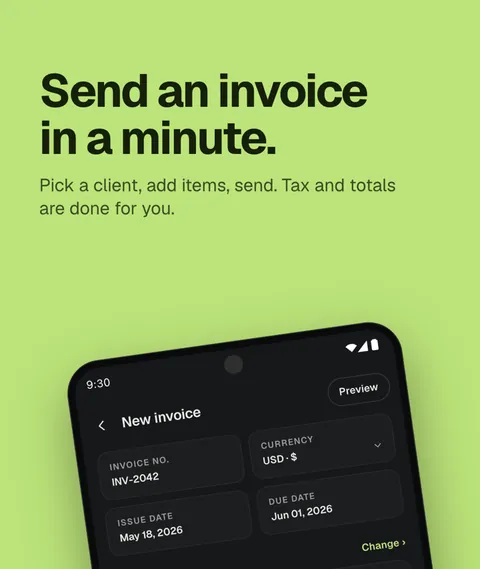
Invoices in under a minute
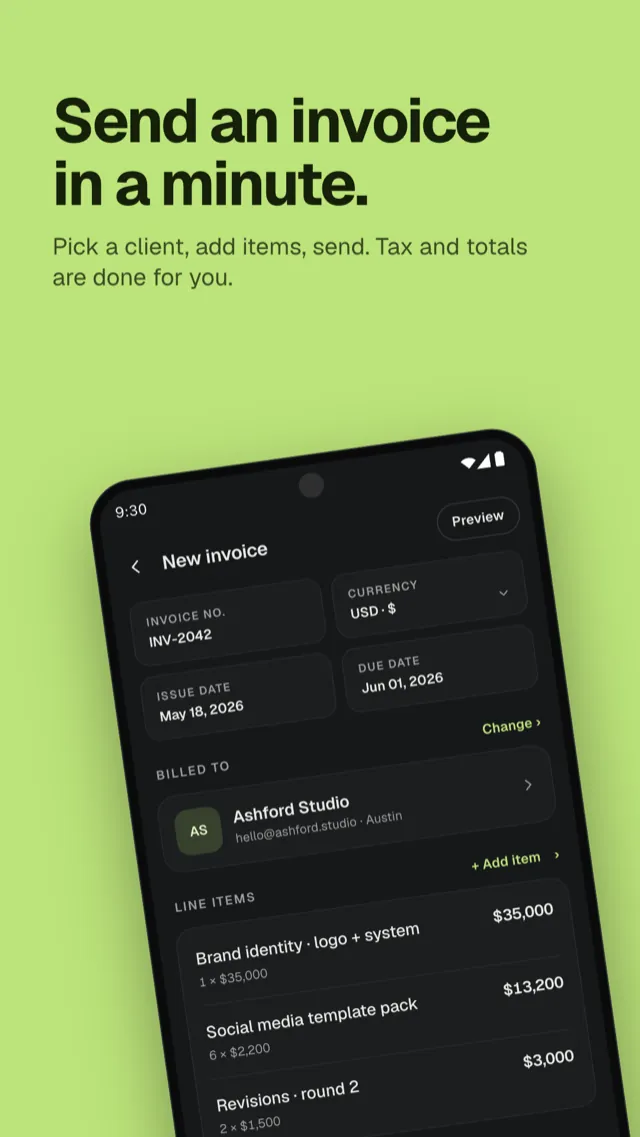
Build a clean invoice without starting from a blank page.
- Line items, quantity, discount and tax
- Automatic invoice numbers
- Saved clients, notes and due dates
- Duplicate an old invoice in one tap
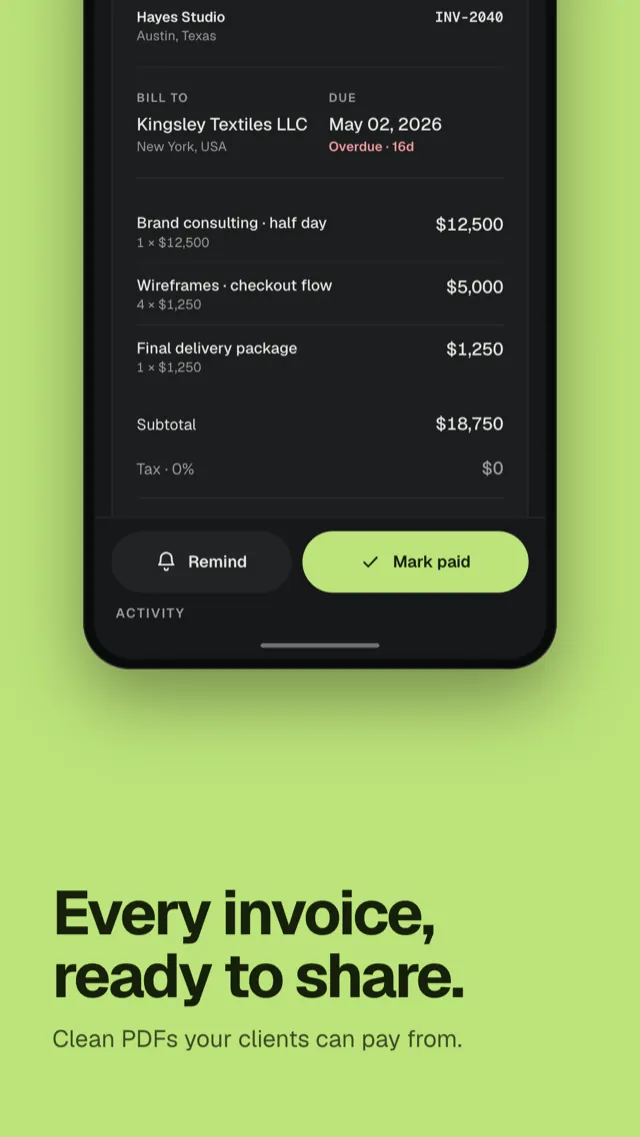
Professional PDF invoices
Your logo, your bank details and your signature on every invoice.
- 3 PDF templates (extra ones unlock by watching a short ad)
- Share on WhatsApp, email or any app
- Print or download to your phone
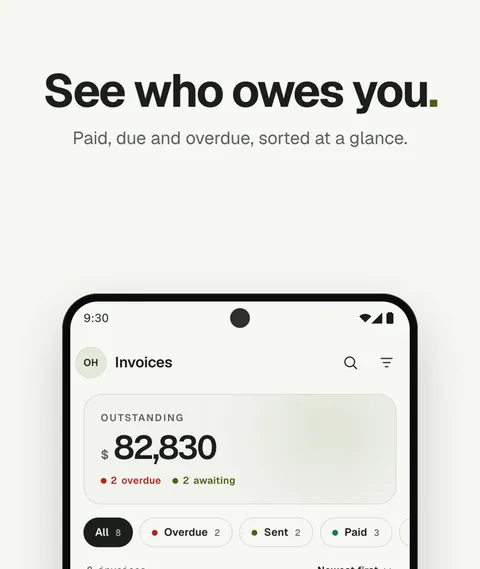
Payments and status
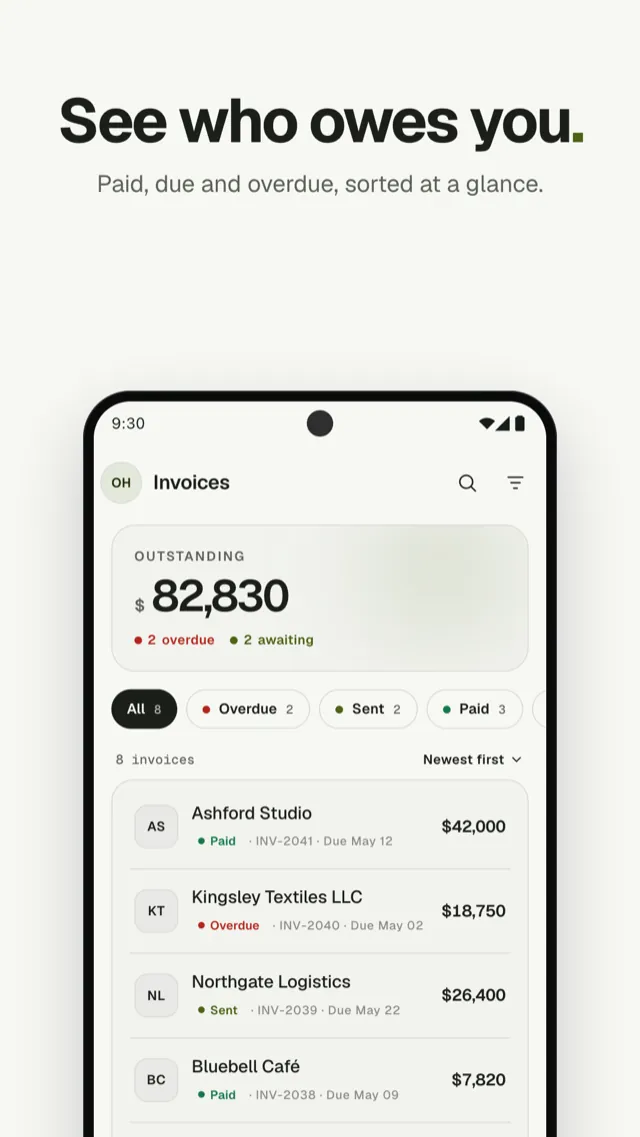
Always know which invoices are paid, pending or late.
- Draft, Sent, Partially paid, Paid, Overdue
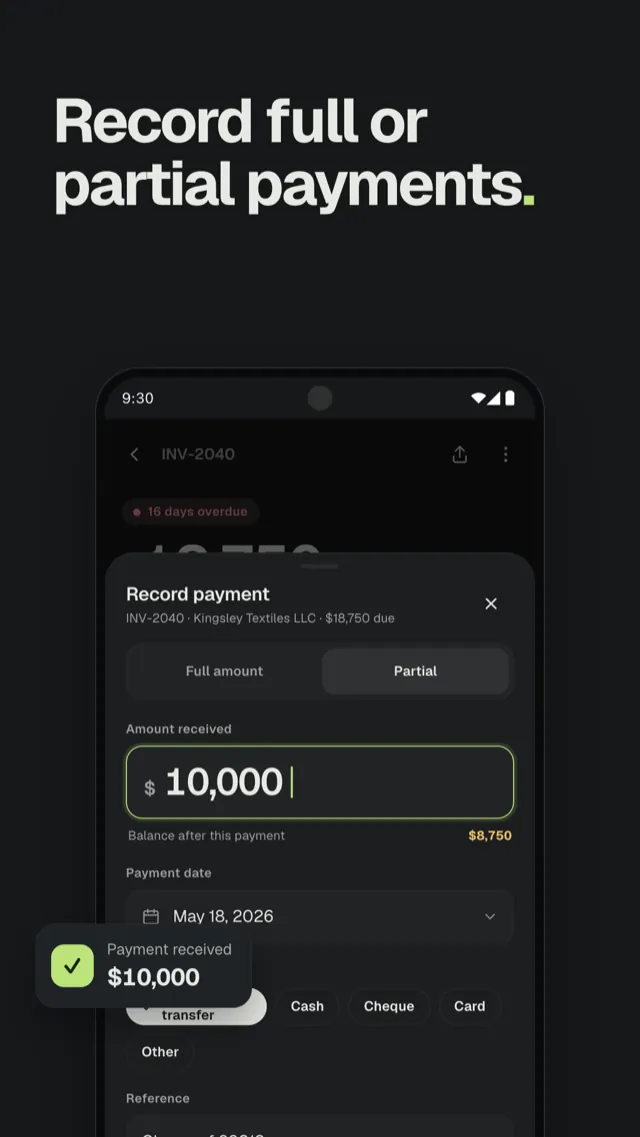
- Record a full or partial payment
- Overdue invoices are flagged for you
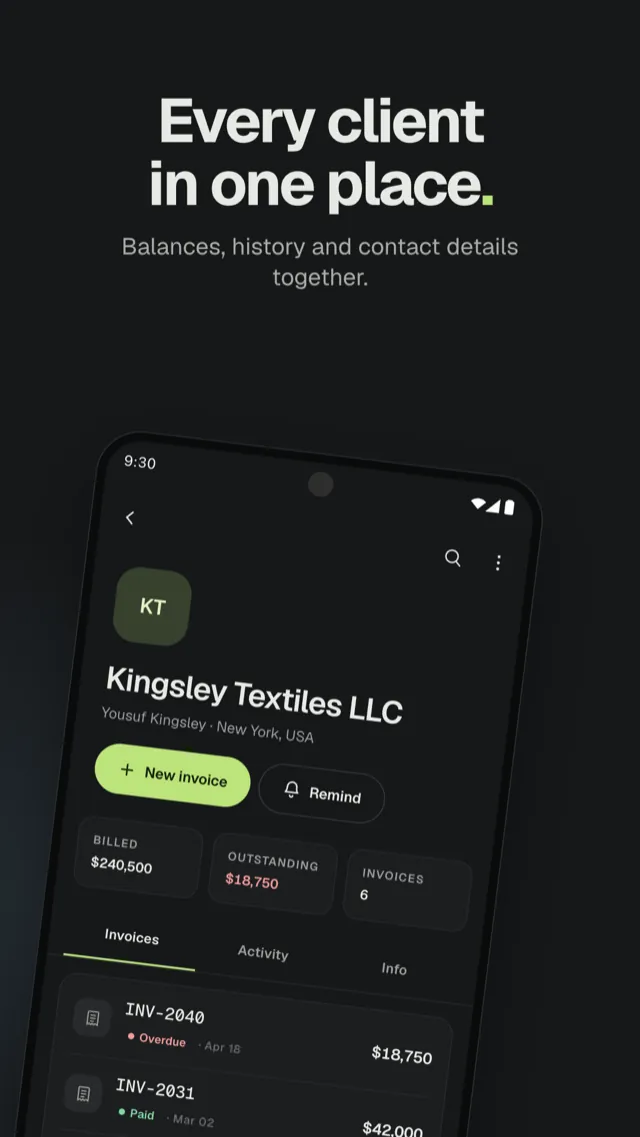
Clients in one place
See who owes you what before you start a conversation.
- Outstanding balance for every client
- Invoice history and activity timeline
- Share a ready-made reminder message
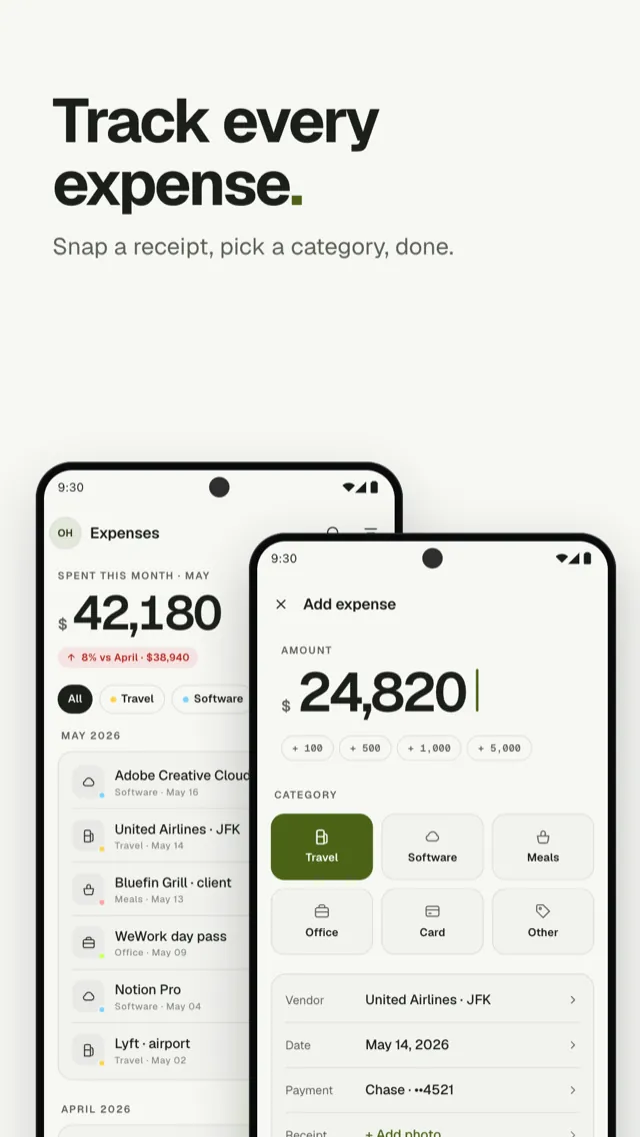
Expense tracking
Log what you spend as it happens, not at tax time.
- Built-in categories like Travel, Software, Meals
- Vendor, notes and date for each expense
- Monthly view with a category breakdown
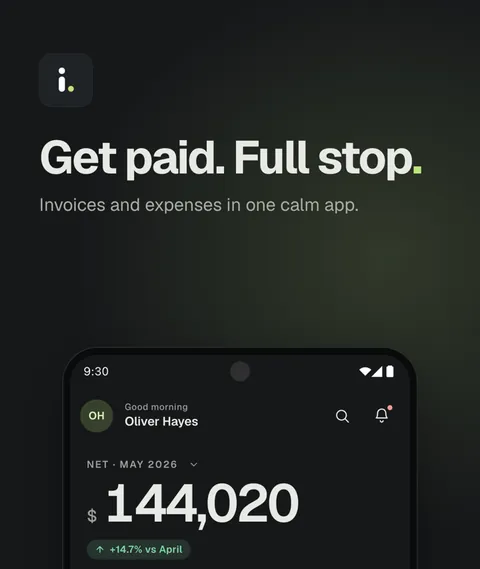
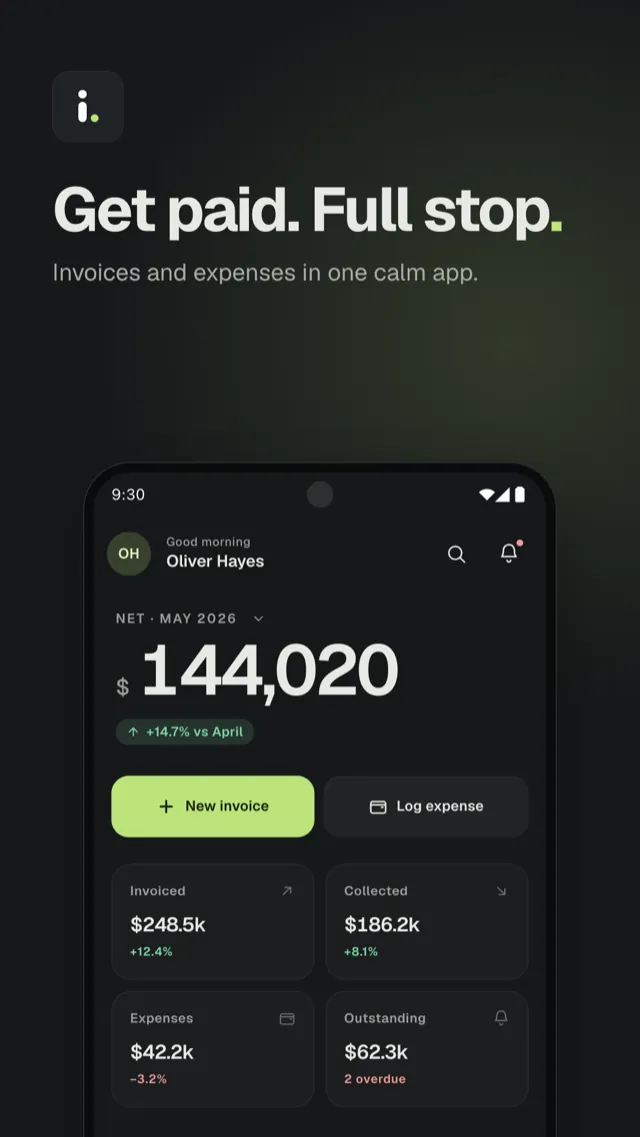
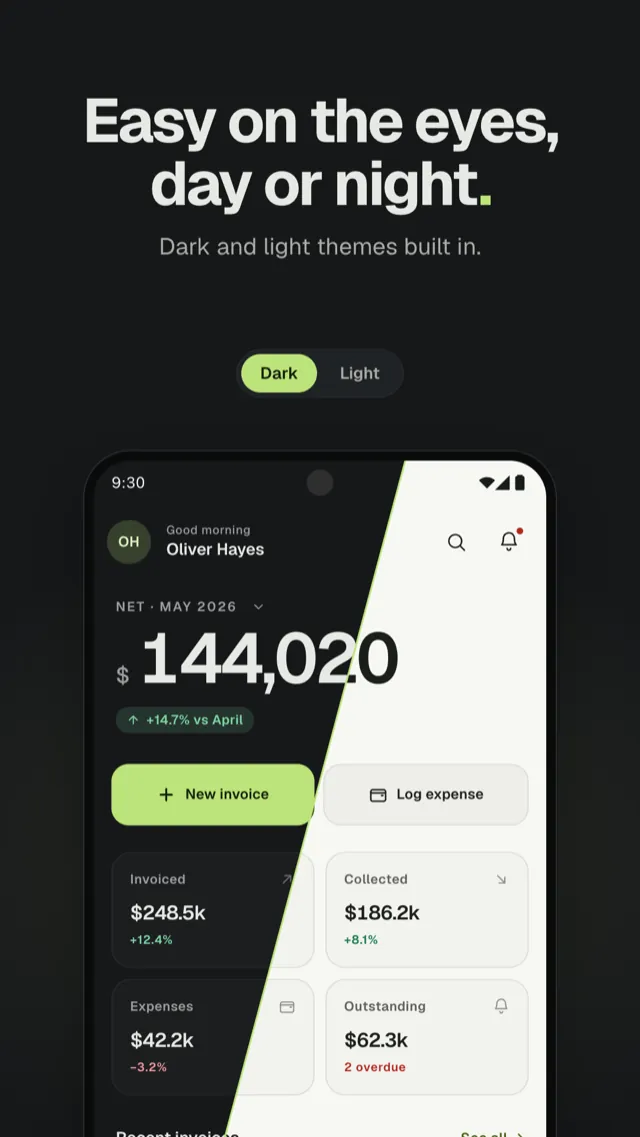
A dashboard that tells the truth
Your month at a glance, the moment you open the app.
- Invoiced, collected, expenses and net
- Outstanding and overdue amounts
- Recent invoices and expenses
From new client to paid in three steps.
Save their details once, then pick them whenever you invoice.
Add items, tax and notes, pick a template and send the PDF in seconds.
Mark it paid in full or in part and watch your dashboard update.
Take a look inside.
Clean, fast and easy to read in light or dark.
Your business data stays on your phone.
There are no accounts and no server copy of your invoices, clients or expenses. Ads and basic crash and usage analytics are provided by Google services, all explained in plain language in our policy.
- On-device storageInvoices, clients and expenses never leave your phone.
- No sign-upNo account, no password, no email needed.
- You control adsChange your ad consent any time in Settings.
Quick answers.
Is Invoxa free?
Yes. Invoxa is free to use and supported by ads. You may see an ad after you export an invoice, and you can optionally watch a short video ad to unlock extra PDF templates for 24 hours.
Do I need to create an account?
No. There is no sign-up and no login. Open the app, add your business details and start invoicing.
Where is my data stored?
On your phone only. Invoices, clients, expenses and your business profile are never uploaded to our servers. Because there is no cloud backup, keep your own copies of important PDFs.
Does it work offline?
Creating invoices, recording payments and tracking expenses all work offline. An internet connection is only needed for ads.
Can I use my own currency and logo?
Yes. Pick your currency, add your logo, bank details and signature once, and they appear on every invoice.
Which devices does it run on?
Android 7.0 (API 24) and newer.
Ready to get paid, full stop?
Download Invoxa and send your first invoice in minutes.
Get it on Google Play